
STORAGE PLANNING · 3 MIN READ
Why do you need storage? Give your digital life room to grow
· CloudWink team
A storage warning usually arrives when you are trying to do something else: record a birthday, install an update or download a travel document. Storage matters because your daily life creates files, and the device in your pocket has a fixed amount of room. A little planning helps you keep useful files without turning every new photo into a cleanup task.

Your library grows even when your habits stay the same
A few photos a day accumulate over years. Videos, downloaded media, message attachments and edited copies add to the total. Higher resolution and longer recordings can make a small number of clips larger than a much bigger collection of photographs.
Start with your device’s storage breakdown. The total free space tells you whether you have a capacity problem; the category list tells you where to act. If downloaded shows are using most of the room, moving a small photo album will barely change the result.
Working space and keeping space serve different purposes
Your phone needs room for new captures, temporary files, updates and everyday apps. Your long-term library needs space for things you want to keep, even when you rarely open them. Expecting the phone to do both forever creates an avoidable bottleneck.
Cloud storage can hold a supported collection outside the phone. An external drive can do the same locally. In either case, uploading or copying files is only the first step; you need to verify the result before changing the source.
Capacity does not equal protection
A bigger drive can hold more files, but one copy on a bigger drive is still one copy. Loss, theft, accidental deletion or device failure can affect it. A second copy in the same bag may also share the same risks.
Plan storage around both capacity and recovery. Ask how you would get your important files back if the phone disappeared tonight, and whether you could recover them without access to that phone. Account recovery deserves the same attention as the upload itself.
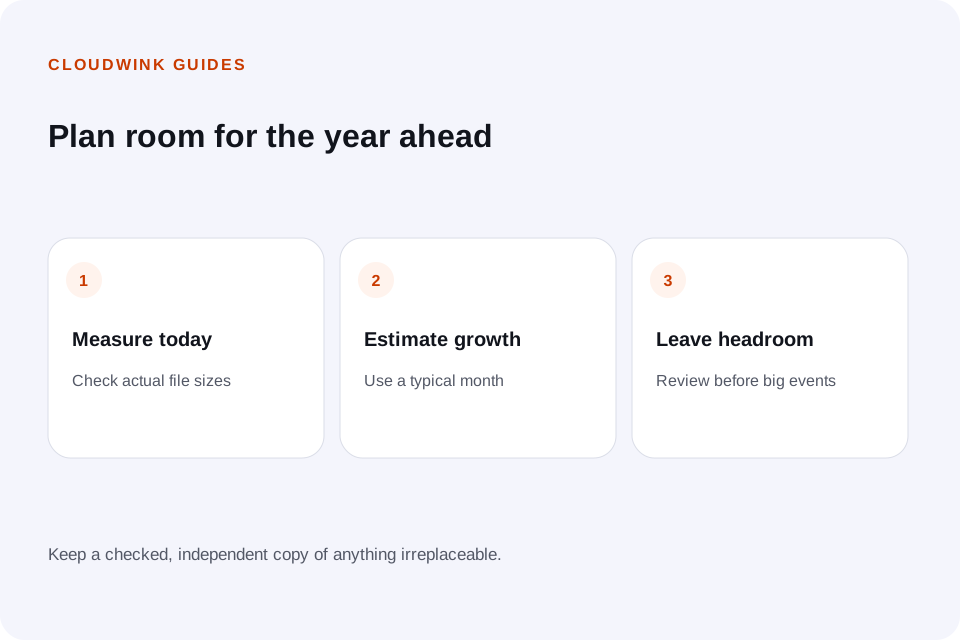
Estimate a year ahead
Measure the size of your existing collection, then estimate how much you added in the last month. Multiply that recent growth by twelve for a simple annual forecast. Use a longer sample if your latest month included an unusual event.
For example, a 60 GB collection growing by 3 GB a month reaches about 96 GB after a year, before allowing headroom. This is a planning example, not a CloudWink plan size. Compare consistent units when evaluating a plan.
Calculate your storage needsBuild a routine you can maintain
Review large files before deleting small ones, remove disposable downloads, and check that important uploads have finished. Keep an independent copy of anything you could not replace.
CloudWink gives supported photos, videos, audio and PDFs a private library with albums and storage tracking. Use its features as part of a deliberate storage routine, then review capacity as your collection grows.
Review CloudWink storage plansQuestions about this guide.
Does buying cloud storage increase my phone’s built-in storage?
No. It adds online capacity. Local space is freed only when you safely remove or offload local files after checking their stored copies.