
BACKUP BASICS · 3 MIN READ
Cloud storage vs backup vs sync: know what protects your files
· CloudWink team
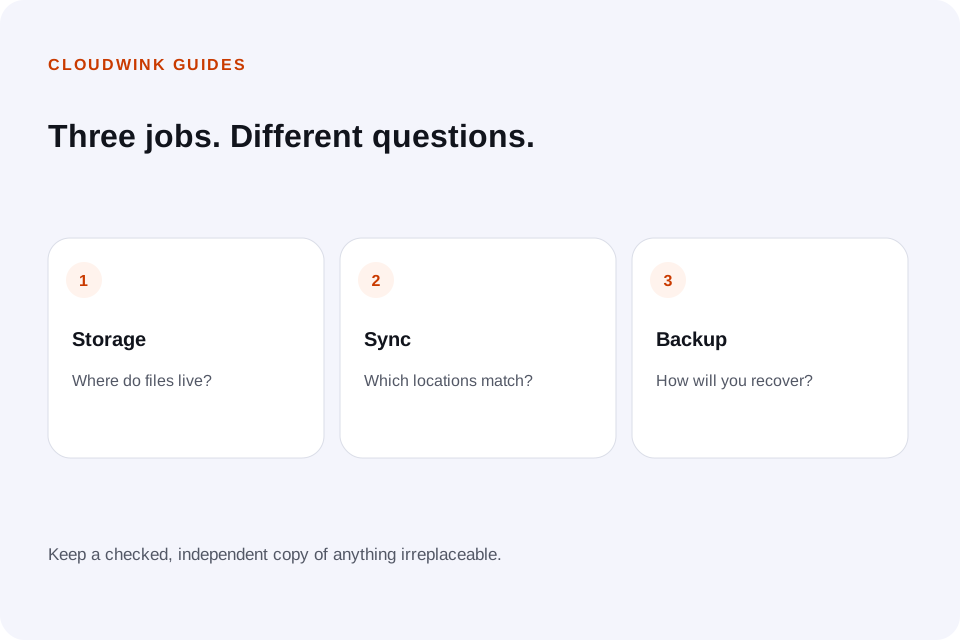
The words storage, backup and sync often appear together, but they answer different questions. Storage asks where a file lives. Sync asks which locations should match. Backup asks how to recover after something goes wrong. Understanding the distinction helps you avoid relying on a copy that disappears when the source changes.

Storage: a place to keep files
A storage service holds uploaded files and provides access to them. It may offer albums, folders, previews or sharing links. Storage alone does not tell you whether previous versions exist, how long deleted files remain recoverable, or whether an export includes everything you need.
Ask what counts as stored. An upload waiting in a queue is not yet a recoverable cloud copy. A preview does not establish that the original is complete and downloadable.
Sync: a rule for keeping locations aligned
Sync can make a file available across devices without manual copying. Depending on the service, edits and deletions may propagate too. That is helpful when you want every device to show the same state, but it can spread an unwanted deletion.
Do not test deletion behavior with your only copy of an important photograph. Use disposable sample files and read the provider’s explanation first. Check whether a “remove from device” action is different from “delete from library.”
Backup: a way to recover
A useful backup is separate enough from the working collection to survive the problems you expect. It may preserve older versions, retain deleted items or remain disconnected between updates. The important question is whether you can restore what you need.
A complete device backup also has a different scope from a photo library. Media storage does not necessarily include messages, app data, device settings or authentication details. Keep using an appropriate device backup for those.
Walk through a deletion example
Imagine a photograph exists on your phone and in an online service. If the service mirrors deletions, deleting it on the phone may remove the online item too. If it keeps an independent uploaded copy, removing the phone copy may leave the stored item intact.
CloudWink keeps its own uploaded library. Removing a local phone copy does not delete that library item. Deleting within CloudWink is a separate action, with a 30-day Trash window. That window is helpful, but it is finite.
Use a recovery checklist before clearing space
Decide which files and device data you need to recover, then confirm that your chosen tools cover them. Keep credentials and recovery information accessible if the original phone is lost.
- Verify upload completion and download a representative sample.
- Check whether source deletions propagate.
- Record the deletion-recovery window.
- Keep a separately maintained copy of irreplaceable files.
- Test recovery from a different device when possible.
Questions about this guide.
Is a synced folder a backup?
Not necessarily. If unwanted changes or deletions propagate to every copy, sync alone may not provide the recovery you need. Check version history, retention and independent backups.