
FAMILY LIBRARIES · 3 MIN READ
Cloud storage for family photos: preserve and share your memories
· CloudWink team
Family photographs often live in several places at once: old phones, chat threads, a laptop and a drive nobody has checked recently. A useful family archive brings copies together without losing the originals or making every photograph public. Start with a collection small enough to finish, then build a routine around it.

Gather the best available copies
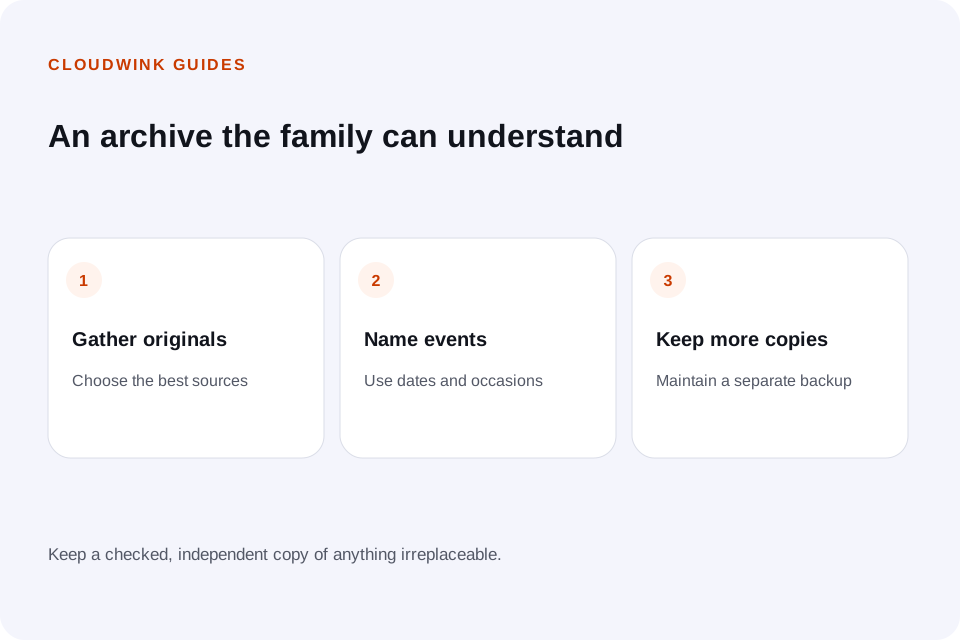
Ask for original files where possible rather than screenshots or images forwarded through multiple chats. A smaller copy is still worth keeping when it is all you have, but label it honestly instead of treating it as an original.
For printed photographs, preserve the print and make a careful digital scan. Record names, approximate dates and locations while relatives can still identify them. A file named scan003 says little to someone finding it ten years later.
Organize around events people remember
Use names such as “2026-07 — Summer visit” rather than relying on camera filenames alone. Date and occasion are usually enough to make an album understandable without creating a complicated filing system.
Keep significant source files as well as favorite edits. If two photographs look similar, review them before deleting one. Different crops or expressions may make both worth keeping, even when an automated tool groups them together.
Learn how to review duplicate photographs safelyShare a collection instead of the whole archive
Create a dedicated album for the people who need it. Check the contents for private documents, address details and photographs someone would prefer not to share. Ask before distributing sensitive family images.
CloudWink offers album links with optional passwords, expiry and download limits. Send the password separately when it is useful. These controls govern access through the link; they cannot stop a recipient keeping or forwarding a file they have downloaded.
Keep originals and independent copies
A cloud library is convenient, but irreplaceable family photographs deserve another copy you maintain separately. Include video and audio recordings in that plan: a short voice recording can become as meaningful as a portrait.
CloudWink preserves supported uploads as received, without compression or re-encoding. That protects the quality of what you upload, while an independent backup protects against relying on only one place or account.
Leave instructions someone can use
Write down where the archive is kept, how albums are named and when the backup was last checked. Use appropriate account-recovery or password-manager arrangements rather than sharing passwords in a family group chat.
Every few months, add recent photographs and open a few older files. An archive stays valuable when the next person can understand it and retrieve its contents. Start with one event today; a finished, checked album is a practical foundation.
Explore CloudWink albums and supported filesQuestions about this guide.
Should I store family photos only in a group chat?
A chat is convenient for conversation, but files may be reduced in quality or difficult to export and organize. Keep the best available source files in a maintained archive with independent copies.