
STORAGE COMPARISONS · 3 MIN READ
Cloud storage vs external hard drives: which should you choose?
· CloudWink team
Cloud storage is often more convenient than carrying a drive: you can retrieve supported files through your account and share an album without handing over hardware. Physical storage still has real advantages, especially for offline access and large local transfers. The best choice depends on what you need to do with your files.
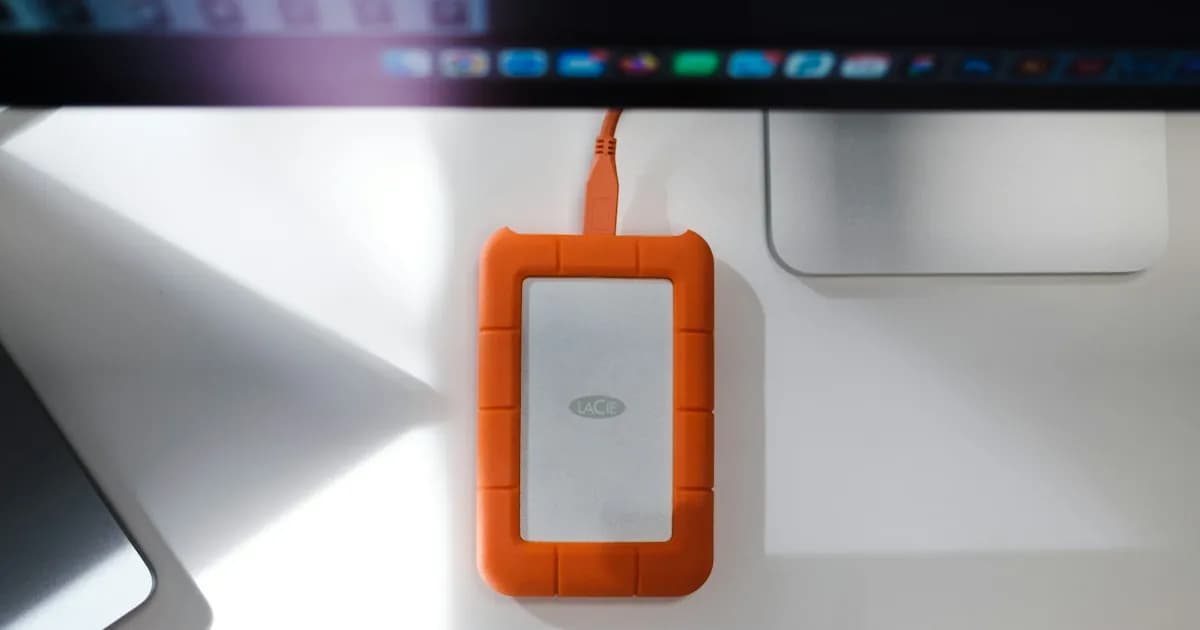
Compare the everyday tradeoffs
The differences become clearer when you compare actual tasks. A drive at home is useful for restoring a large collection quickly. A cloud library is useful when you need one file while away from home.
| Need | Cloud storage | External drive |
|---|---|---|
| Access away from home | Available through supported apps with internet | Requires the drive or a separate remote-access setup |
| Offline access | Requires previously downloaded files | Available when the drive is connected |
| Large transfers | Limited by connection speed and service limits | Limited by drive, cable and port speeds |
| Sharing | Links and account controls, depending on service | Physical handoff or an additional transfer service |
| Cost | Usually recurring for paid capacity | Hardware purchase plus eventual replacement |
| Physical loss | Not tied to carrying your own drive | Drive can be lost, damaged or stolen |
Where cloud storage makes life easier
A cloud library removes a physical handoff from everyday sharing. Instead of mailing a drive or repeatedly sending separate attachments, you can collect supported files into an album and share access.
It also provides a copy away from your immediate surroundings. If your phone and drive are in the same stolen bag, both may disappear together. A separate online copy can reduce that shared physical risk, provided the upload completed and you can recover your account.
Where a drive still earns its place
A drive can be a practical way to keep a large archive you need without an internet connection. It also avoids waiting for a download when you need to restore many gigabytes at once.
A disconnected drive has a different exposure than a constantly connected library. It still needs care: handle it safely, check that files open and replace failing hardware. A drive that has sat unchecked in a drawer for years should not be assumed healthy.
Compare total cost over time
For the cloud, count the plan you expect to need as your collection grows. For a local archive, count enough drives for independent copies, replacement hardware and the time required to maintain them. Exact prices change, so compare current offers using your own library size.
Avoid choosing only by the advertised capacity. Export access, accepted formats, upload limits, recovery behavior and sharing controls may matter more than a small difference in monthly cost.
A practical combination
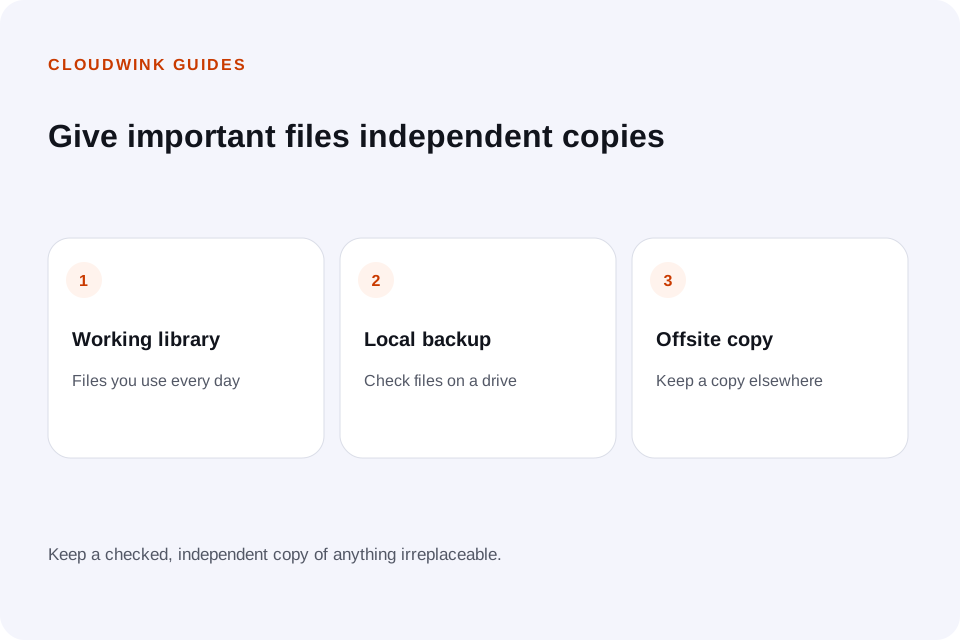
Keep everyday originals where you can use them, maintain a checked local backup and hold another copy offsite. CISA’s device-data guidance explains why recoverable copies belong in your protection plan.
CloudWink can provide the online library for supported photos, videos, audio and PDFs. A separately maintained drive can provide another copy. Neither medium eliminates the need to test recovery.
See CloudWink’s library and sharing toolsFurther reading.
Questions about this guide.
Is cloud storage always better than a hard drive?
No. Cloud storage is convenient for remote access and sharing; drives are useful for offline access and large local transfers. Important files benefit from independent copies across different locations.