
PHOTO QUALITY · 6 MIN READ
Does cloud storage compress your photos? What to check
· CloudWink team
Many backup services offer a “saver” or “high quality” mode that stores a smaller version of each photo and video. It saves space. It also means the copy you are keeping is not the one your camera made.
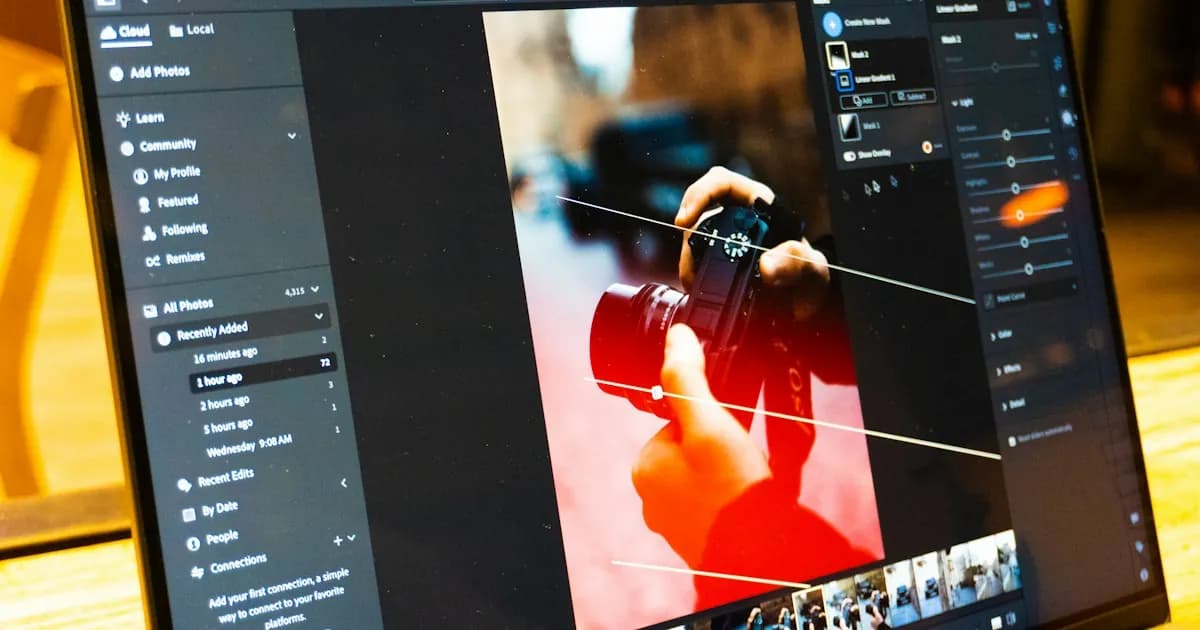
How compressed backup modes work.
A saver mode decodes each upload and stores a new, smaller file. Photos above a size limit are scaled down, and video is re-encoded at a lower resolution or bit rate. Google Photos’ Storage saver, for example, resizes photos larger than 16 megapixels and converts high-resolution video to 1080p.
On a phone screen the difference is often hard to see. It becomes visible when you crop, print large, edit colors, or view on a big display.
What you lose.
Compression is a one-way trip.
- Resolution, which limits cropping and large prints.
- Fine texture in hair, foliage and low-light noise.
- Color depth, when 10-bit HEIC or HDR video is converted to 8-bit formats.
- Some metadata and features, such as depth maps or Live Photo pairing.
- The ability to go back. Once the original is deleted from your phone, the compressed copy is all that is left.
How to check your own backup.
Download one photo from your backup and compare it with the original on your phone. Look at the pixel dimensions and the file size. If either is smaller, the service changed your photo. Do the same with a 4K video and check its resolution.
CloudWink never compresses.
There is no saver mode in CloudWink because there is nothing to save. Every plan, including Free, stores photos, videos, audio and PDFs exactly as uploaded. What you download is bit for bit what you uploaded. Plans differ only in how much space you get.
Compare CloudWink plansQuestions about this guide.
Does CloudWink compress photos on the Free plan?
No. CloudWink never compresses, resizes or re-encodes uploads on any plan, including Free.